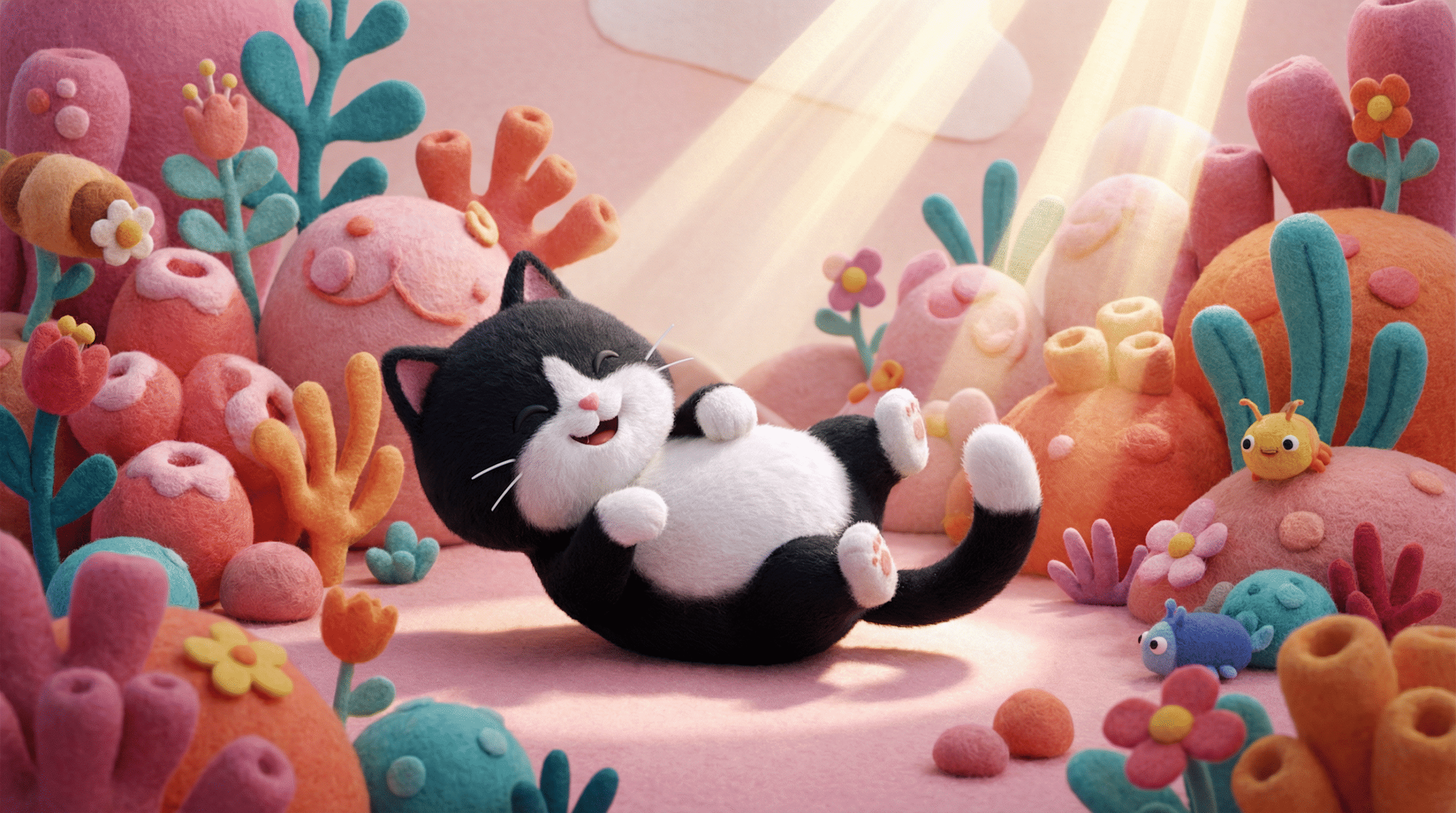
If you’ve been scrolling through your feed and stopping dead in your tracks for those hyper-cute, fuzzy, 3D-style characters that look like you could reach into the screen and squish them—you are in the right place.
Today, I’m dropping a Holy Grail prompt. This one nails that “tactile,” high-end animation studio look with zero effort. It’s perfect for creating stickers, mood boards, or just serotonin-boosting art.
Here is how to get the look.
Step 1:
Go to your favorite image generator. Right now, I am absolutely obsessed with Higsffield Nano Banana Pro.
Step 2:
Type this prompt exactly (just swap out the brackets for whatever your heart desires:
A 3D animated rendering in a cute cartoon style, featuring a [YOUR CHARACTER OR OBJECT HERE]. The environment is whimsical and colorful, filled with fuzzy, felt-like plants and rounded, coral-like shapes in shades of [pink, orange, and teal]. Bright, cheerful lighting with a soft, tactile finish on all surfaces. Joyful and playful atmosphere.Here are 4 results I generated using the exact prompt above to show you the versatility:
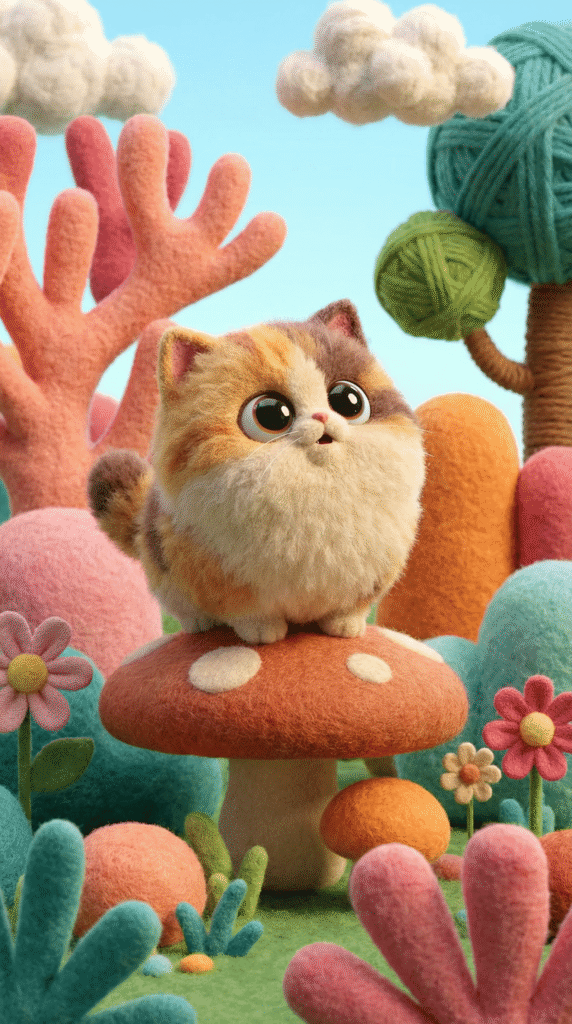
Round, fluffy kitten sitting on a felt mushroom, looking up with big, glossy eyes.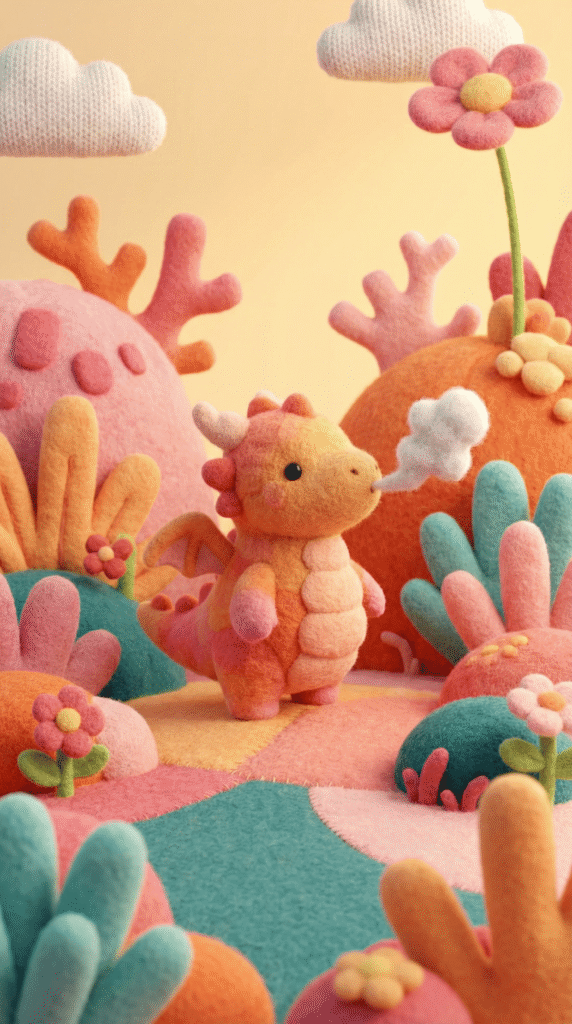
Tiny, non-threatening dragon with felt scales, blowing a tiny puff of smoke.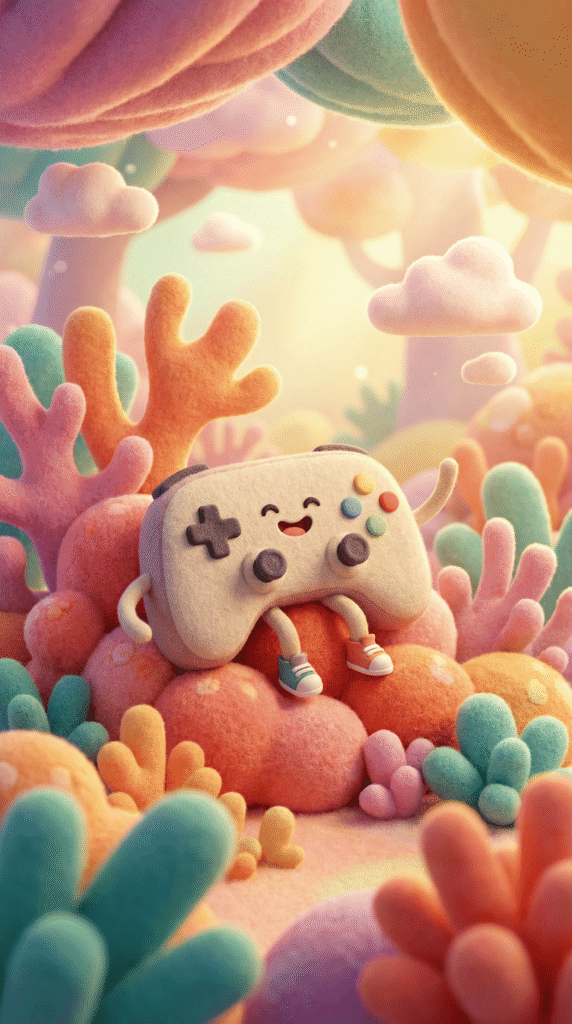
Cute game controller with arms and legs, surrounded by soft coral shapes.How to Play With This Prompt
This prompt is what I call a “Texture Bomb.” The secret sauce here is the phrase “fuzzy, felt-like plants” and “soft, tactile finish.” That is what tells the AI to move away from smooth plastic looks and into that cozy, craft-store aesthetic.
Want to mix it up? Try this:
- Change the Palette: The prompt currently asks for pink, orange, and teal. Try swapping that bracket to [lavender, mint, and white] for a sleepier, dreamy vibe, or [primary red, blue, and yellow] for a classic toy store look.
- Change the Surroundings: Instead of “coral-like shapes,” try “floating geometric bubbles” or “giant candy pieces.”
Go make it pop, fam! Tag #kikimakeitpop so I can see what you create!